

uips
-
Posts
257 -
Joined
-
Last visited
-
Days Won
20
2 Followers


About uips

uips's Achievements






-
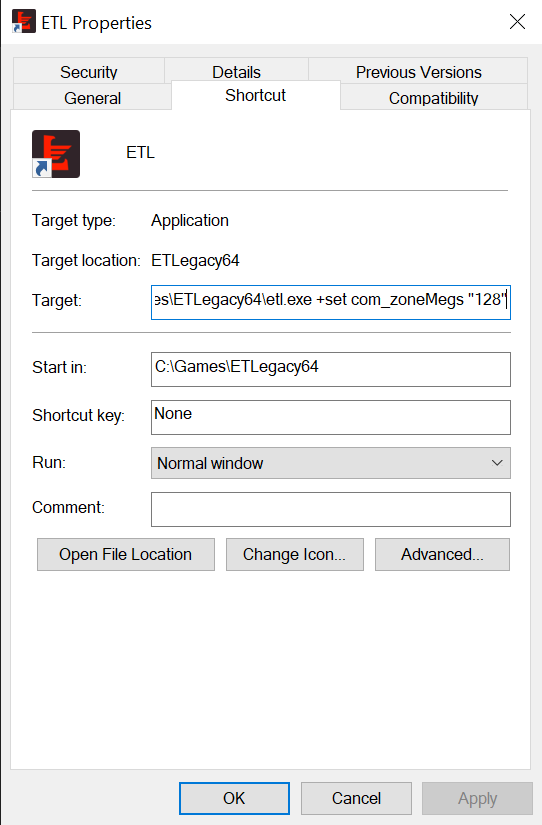
Right-click your game shortcut and select Properties. Click the Shortcut tab and look for the Target field. Click at the very end of the text (after the closing quotation mark), press Space once, and paste this exact text: text +set com_hunkMegs 1024 +set com_zoneMegs 128 +set com_soundMegs 160 Click Apply and then OK. Your final Target box should look like this: "C:\...\etl.exe" +set com_hunkMegs 1024 +set com_zoneMegs 128 +set com_soundMegs 160
-
Just for info. 2.86 patch will have configurable XP save reset policy. This will make "Dynamic Campaign" fully working. (Previously there have been issues related to cvars around it) Dynamic Campaign - XP resets similar to Campaign after x (configurable) amount of maps but the maps are always voted in realtime like mapvote. Vote list size and reappearing frequency are also configurable to fit the exact server needs. This would eliminate the need for different campaign configs entirely. https://github.com/etlegacy/etlegacy/issues/3520
-
 uips changed their profile photo
 -
provide more detailed information, image of lagometer might help to troubleshoot
-
When going for more maps i would suggest erdenberg_t2 , pirates and decay_b7 instead of caen, venice and capuzzo. Those are well established and less controversial maps. (Statistical proof here: https://stats.teammuppet.com/stats.php) in addition would suggest consider swapping to ETL overhauls where available
-
I agree with you. Imagine autobalance in soccer match where one player contributes to team whole match and in the end will be put to other team because other team is underperforming. Idk if there have been more changes made to autobalance but by default it should swap the player that joined most recently. Issue is or was that game considers each match as all the players joining in again. So the one who takes longest during map change is considered the most recent player even if u have played for hours
-
Move AFK players to spec 5-10s on map start
uips replied to knuX's topic in General and Server Suggestions
-
Here is more info about how those cvars work https://github.com/etlegacy/etlegacy/issues/2493#issuecomment-1973235349
-
TM server settings for field ops recharge time is 60secs. Default is 40secs. (For reference here Medic recharge is 45secs , the default) From time to time u see someone complain about this setting. I never really play field ops much myself but when i did it was the first thing i noticed. Field ops is recharging very slowly. What it did to my game play? I just did not throw as much ammo to teammates and sometimes even chose to skip the request due keeping chargebar in state of ready for airstrike/artillery. If u want to be ready for crucial moments in game it is at cost of ammo for teammates. So i was wondering where does this setting origin from and what is the purpose of it? If it is ment to lessen arty/artillery spam then legacy has different cvars for it. Maybe someone has some opinions about this. Why is it 60secs and not default 40secs?
-
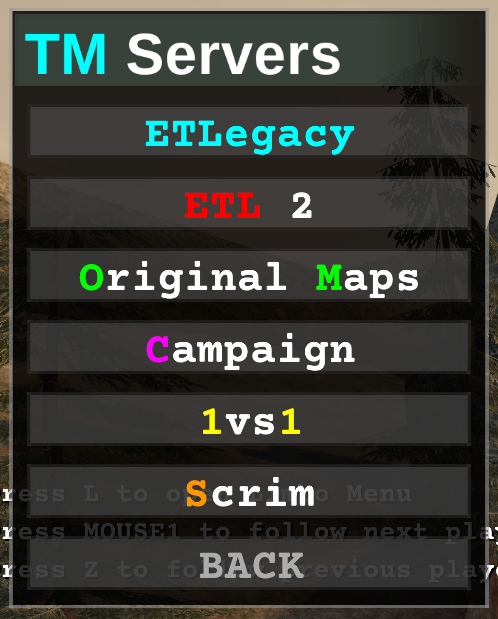
Add beginners server to the list and remove scrim and 1vs1 server? @Ande
-
The way Flo set it up seems to be near perfect I think there have been no complaints around it. go beyond 8 kills Not sure if there is point going any higher. Hitting this 8 is already extremely rare. increase kills window duration I think current 1s window is very optimal. If u go higher that means announce will be more offset with the real event so it will start looking confusing when announce happens several seconds later. Also there will be more announces due bigger time window which can get spammy and in the end the announces lose the effect as they are ment to announce. You are not suppose to get 50 announces each game. It should be more on rare side. (current setting prevents the announce spam that happens in most servers where multikill is working) Static 1s window makes sure that those last tier kills will be rare. change display remove the !!!. Add multiplier behind (maybe white color?) because only double kill gives away the exact count double kill! x2 multi kill! x3 mega kill! x4 ultra kill! x5 monster kill! x6 ludicrous kill! x7 holy shitttttt! x8 make top tier multikills server wide announcement if implement this i agree announce 6 and above similar to how it announces kill sprees if u want to notify the whole server of the kill (no sound - else it can get confusing again as sound is tied to self announces). Going lower will increase spam. Using it only top tier kills will keep the event more rare and special
-
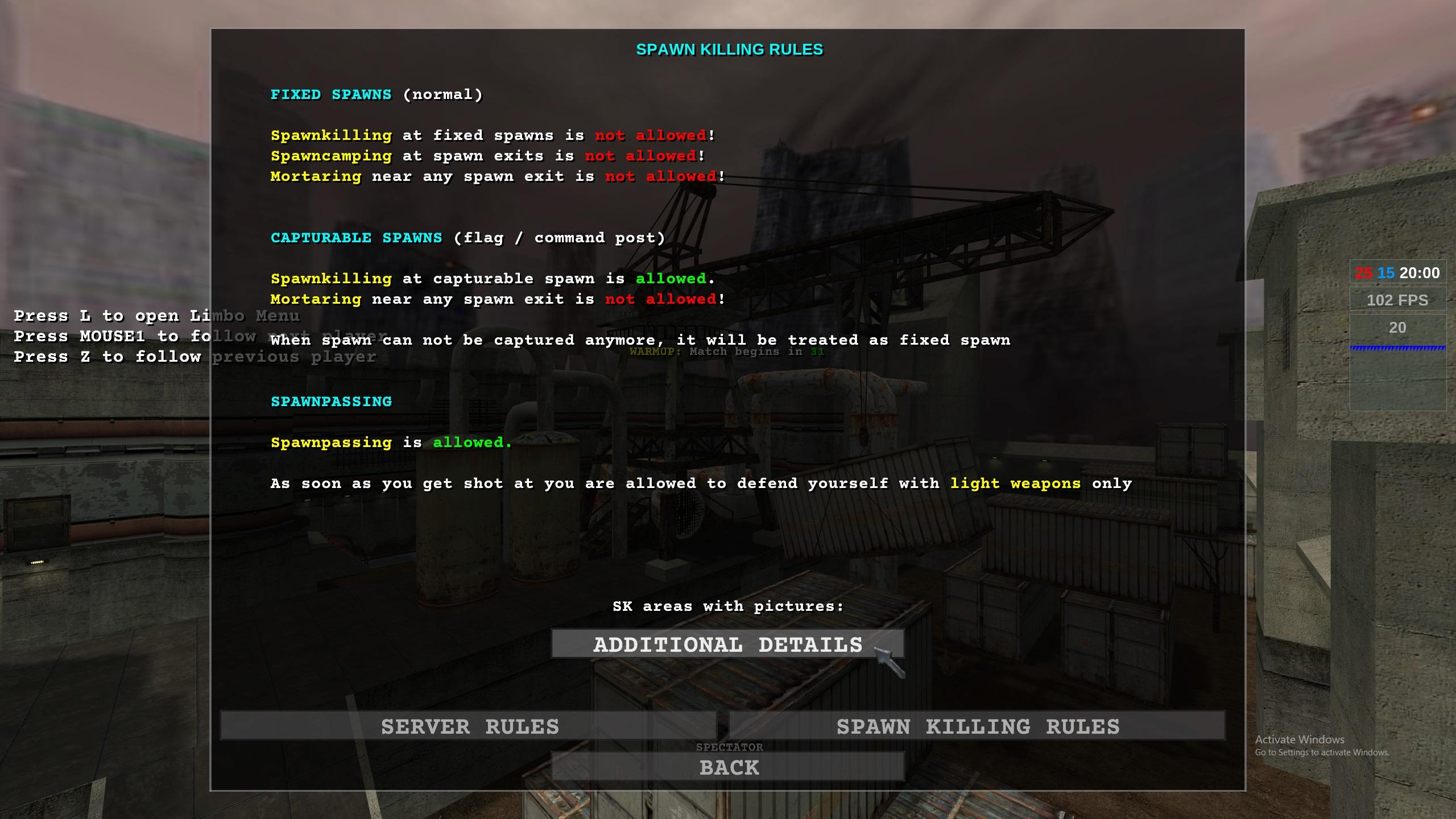
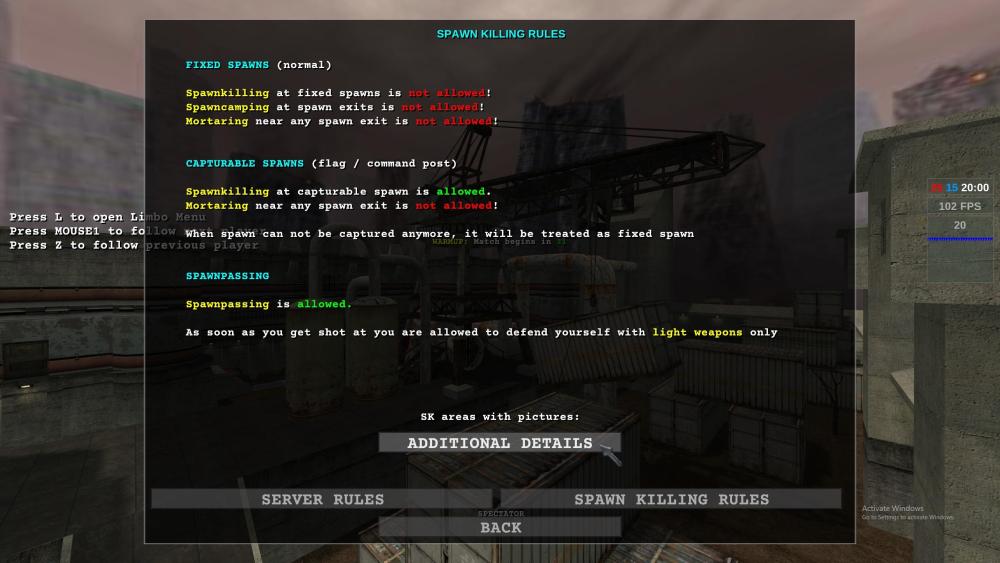
Since SK script and latest script update. Should update this menu too and give more detailed information how SK script works now?
-
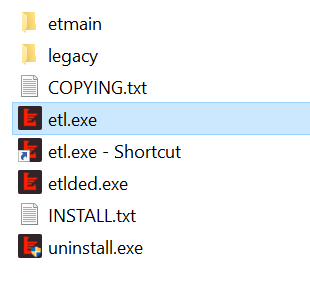
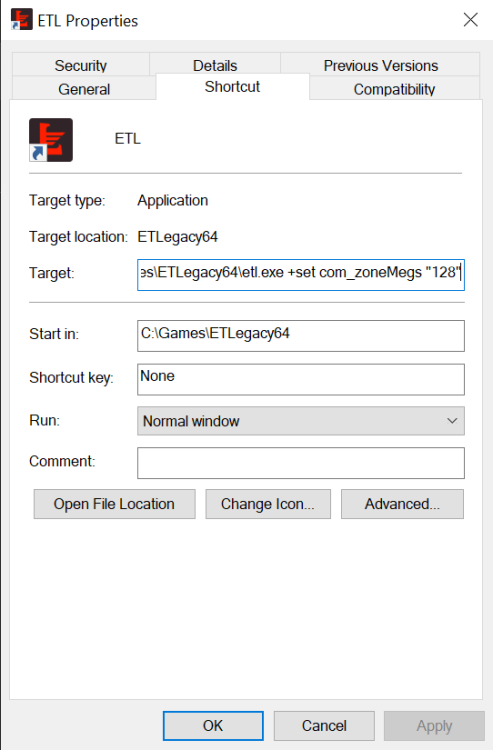
You might want to use ETLegacy client. Create shortcut of launcher.exe Add following commands into end of shortcut Target: +set com_zonemegs "128" + set com_hunkmegs "512"
-
It is possible to make it end when one team takes lead over 5 points. Change can be made if interested. I have had idea about time bonus on each delivery. There is 40 for each team. Starting time 12min and each obj giving +10sec to time. This way it ends sooner when teams are unable to get objectives. Also makes it longer when obj keep coming in. This can be tested too if interested?
-
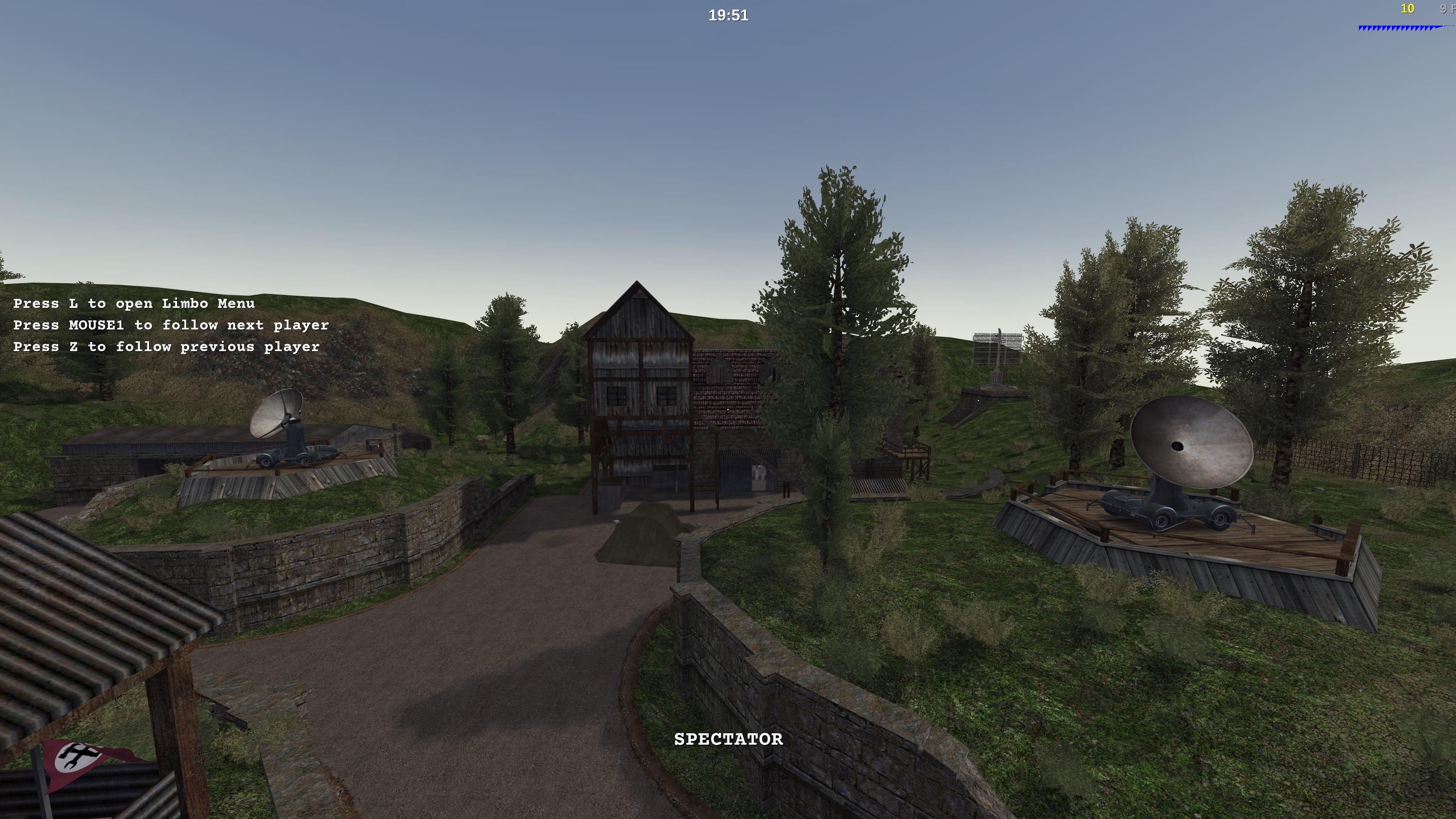
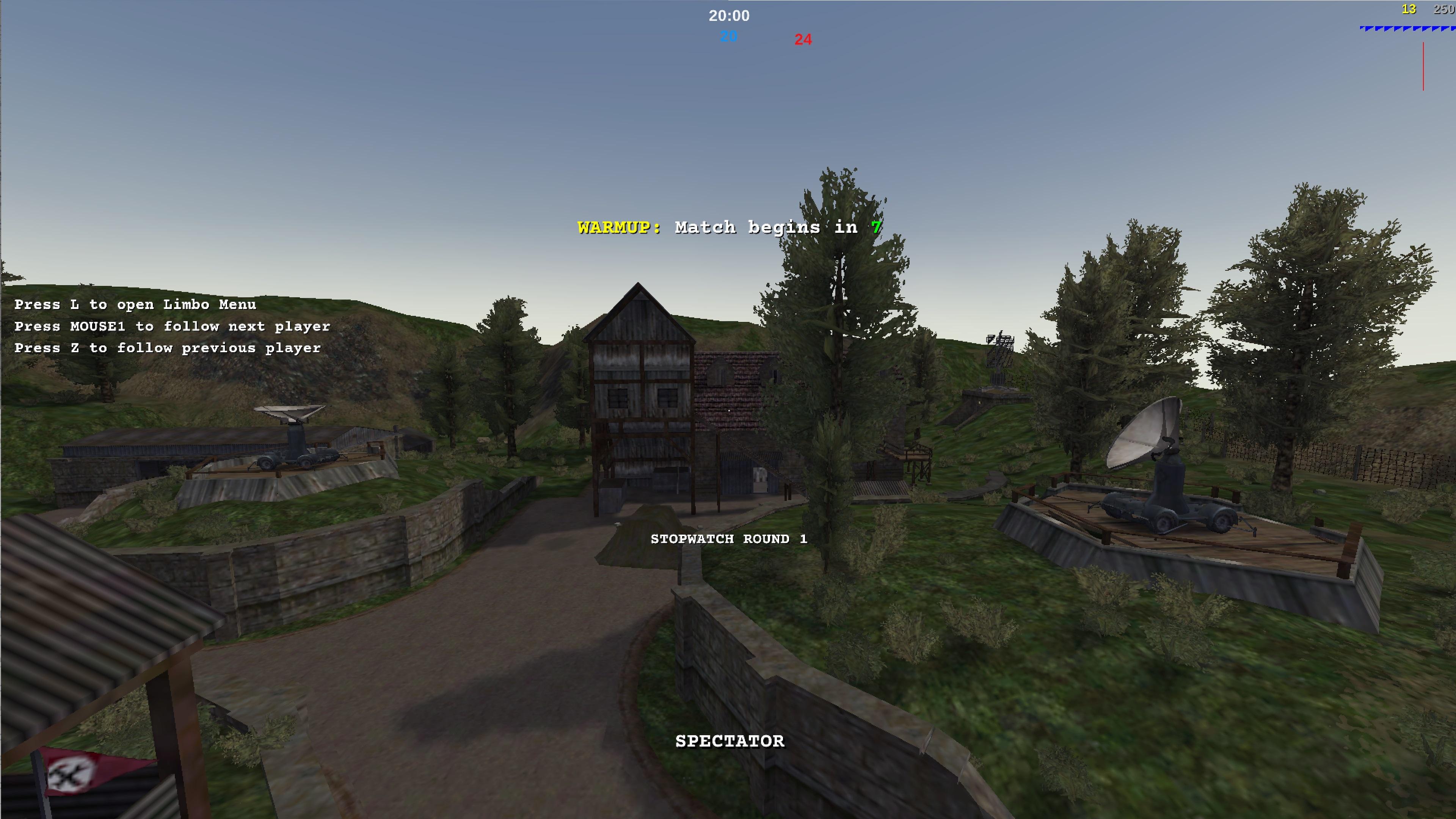
4k vs 1080p and waiting for that SSAA for better detailshttps://github.com/etlegacy/etlegacy/issues/2340
-
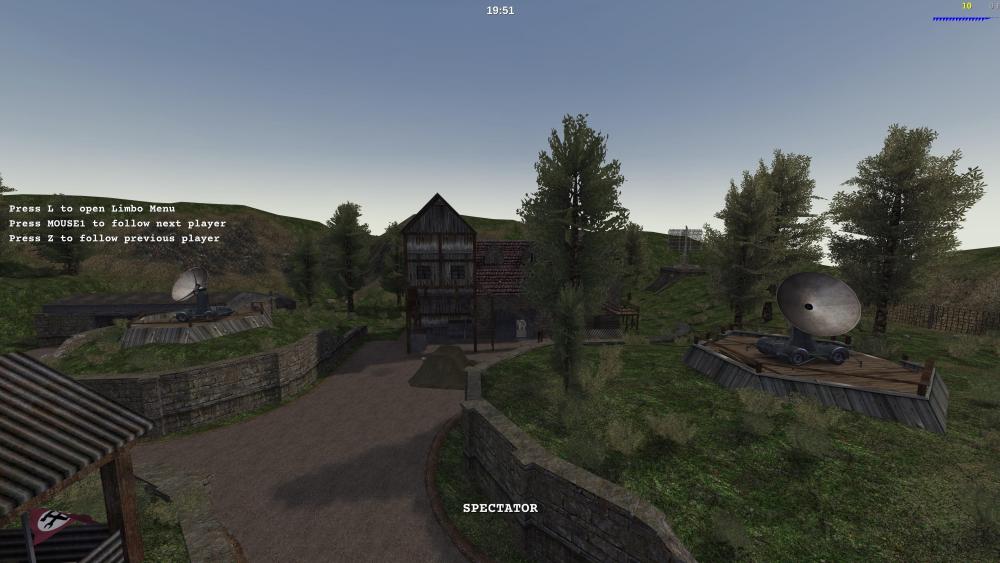
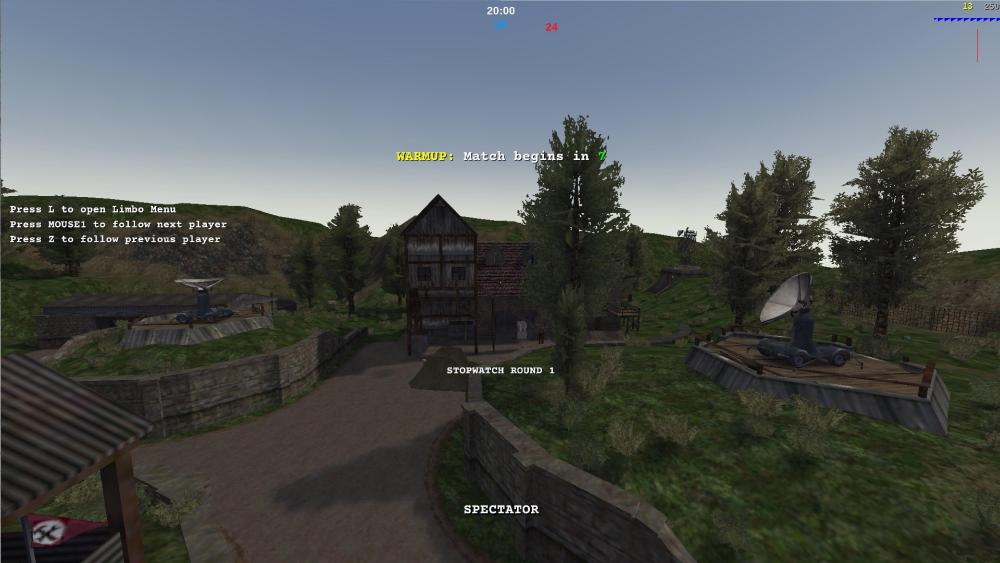
Original Radar or Radar Summer?